Build a book you can review before you publish.

Kindle
Paperback
Hardcover

Choose a real KDP format, shape a clear brief, and turn it into an editable manuscript and publication package.
You remain in control of every generated decision.

+ Studio
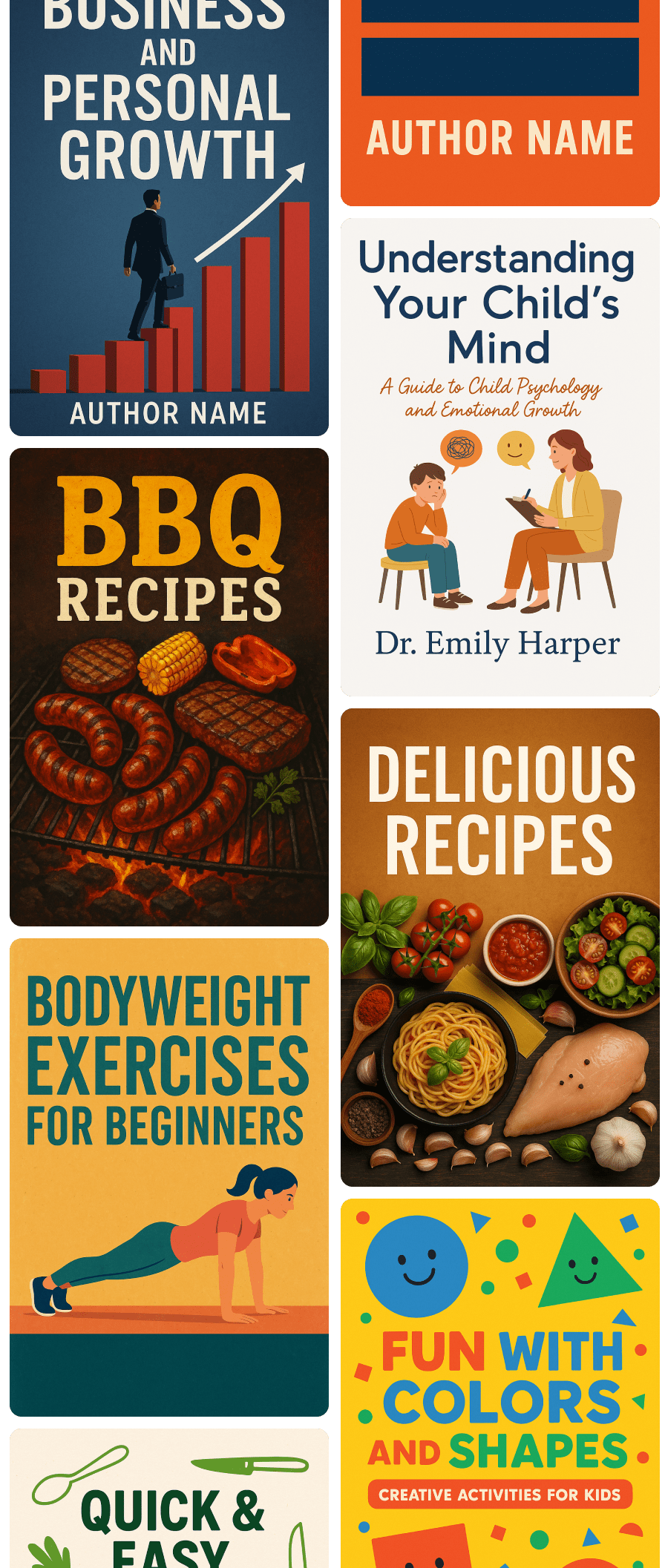
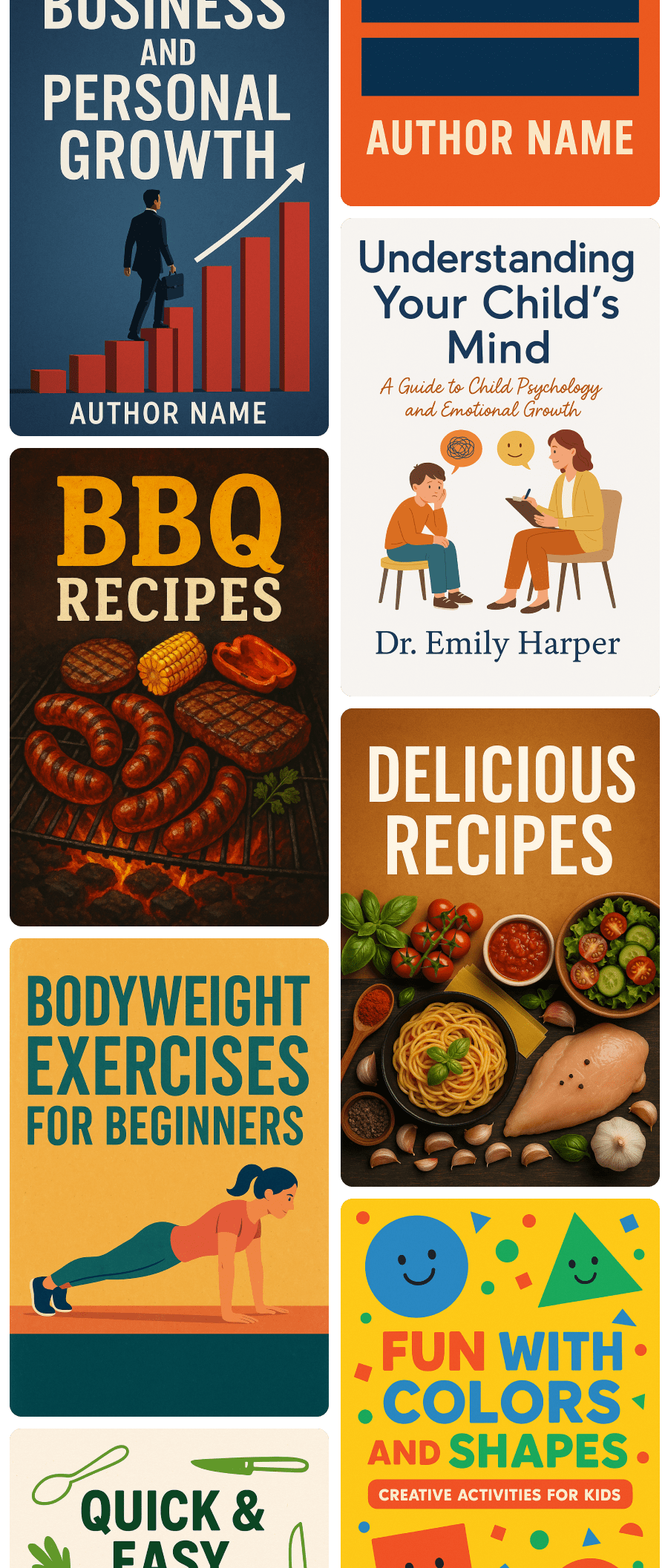
Book cover directions created inside BoundHive
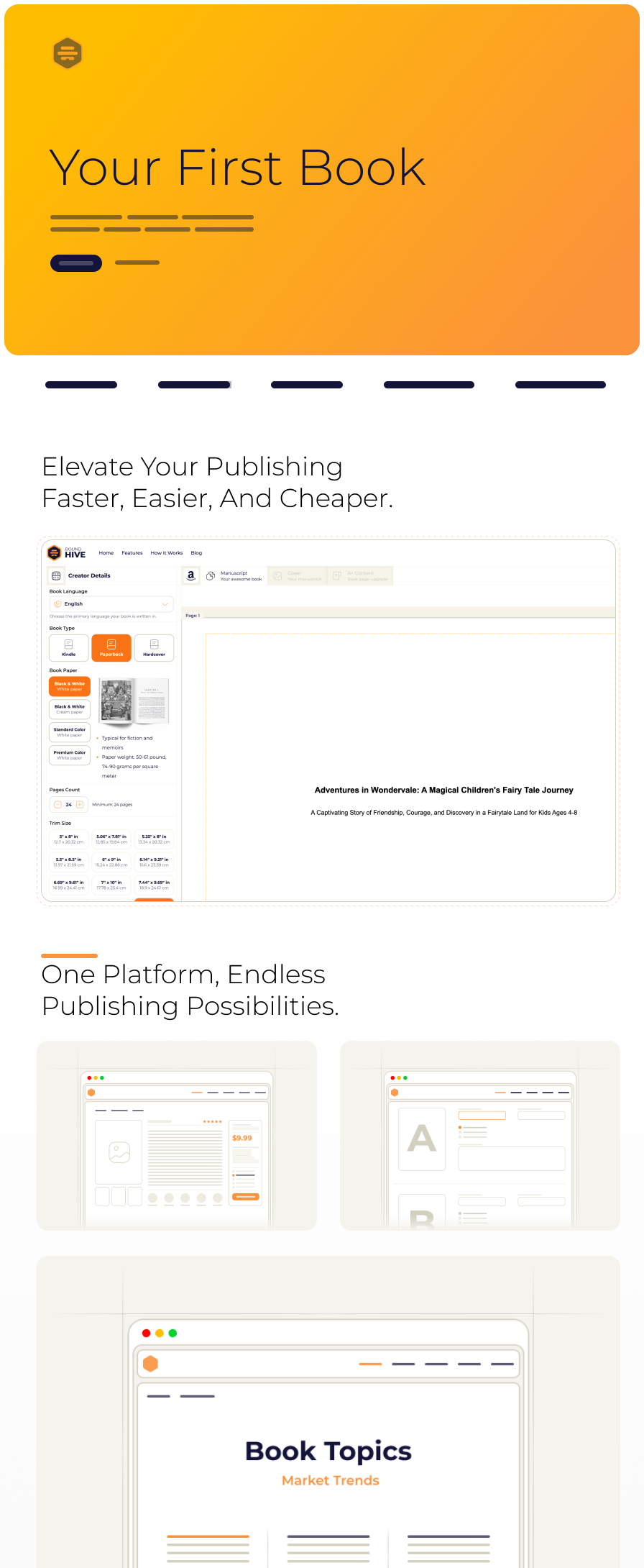
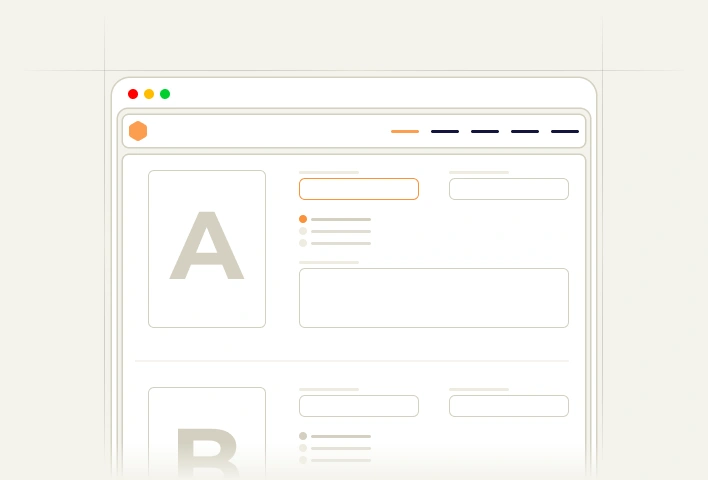
BoundHive book setup and manuscript workspace
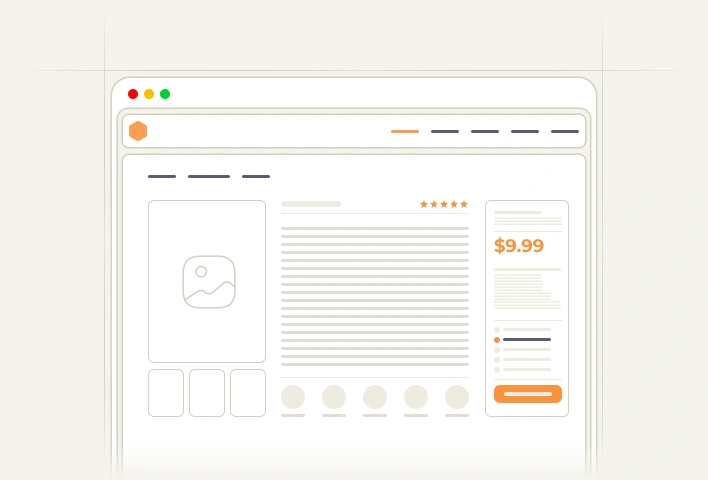
BoundHive publishing workflow preview

One project, from brief
to reviewed files.

Keep the book specification, manuscript, images, metadata, validation results, and exports connected as the project changes.

Define the Book
and Its Reader

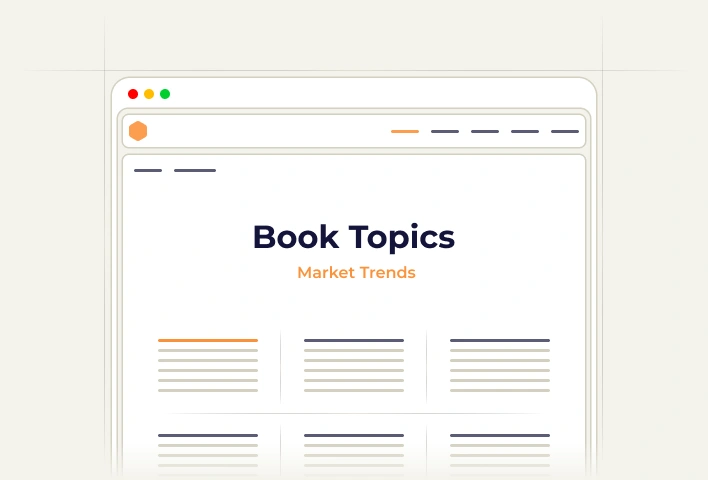
Describe the reader, purpose, scope, tone, and outcome. BoundHive checks whether the brief is specific enough to draft. Book topic planning workspace1

Generate, Review,
and Revise

Work through an editable outline and manuscript. Regenerate only the part that needs another approach and keep your own changes. Editable book details and manuscript workspace2

Validate and Export
Your Publishing Package

Resolve listed file and metadata issues, then export the reviewed manuscript, cover assets, and KDP field-by-field data. Publication listing review workspace3

Make each publishing decision visible.

Format choices shape page layout, cover dimensions, cost, and exports. BoundHive keeps those dependencies together so a late change is easier to understand and validate.

Browse Features

Choose the generation capacity your books need.

Every plan keeps the brief, manuscript, metadata, cover assets, validation, and exports in one private workspace.
Each generation task shows its credit cost before it starts.

Kindle
Paperback
Hardcover

Build and review with Plus

49 $
1,000 credits per monthly billing period$49/month, plus applicable taxes
For authors who want a persistent, editable production workflow instead of a one-shot generated manuscript.
  • Saved book projects - Keep the brief, format, outline, manuscript sections, metadata, and review history together.

  • Visible credit decisions - Review the cost of a plan, manuscript section, illustration, or cover request before generation begins. Editing, saving, uploading your own images, and exporting without new generation use no credits.

  • Reviewed publishing package - Export supported manuscript files, metadata, assets, validation findings, and a KDP upload checklist.

Expand production with Double Plus

98 $
2,500 credits per monthly billing period$98/month, plus applicable taxes
For authors managing more generation work, illustrated projects, and additional production capacity.
  • Everything in Plus - Keep the same editable workflow, validation record, and private project history.

  • 2.5× the monthly credits - 2,500 credits each billing period for longer manuscripts, illustrated projects, revisions, and several active books.

  • Illustration and cover workflow - Generate or upload images, keep selected versions, and prepare artwork separately from the final print wrap.

  • Connected publication fields - Review titles, descriptions, keywords, categories, disclosure notes, and pricing assumptions before export.

The checkout shows the billing interval, the credits included, renewal terms, and taxes before payment. Credits are granted for each paid billing period and unused credits do not carry over. BoundHive does not promise Amazon acceptance, ranking, or sales.

Know what is ready and what still needs your judgment.

A versioned validation report explains which BoundHive checks passed, which warnings remain, and what Amazon will still review after you submit.

Browse How It Works

Questions authors ask before they publish

Each task starts with the question, gives a direct answer, and links the guide that explains it, the free check that settles it, and the next step in a book project.

1 Format and interior

Which trim size, page count, margins, and bleed setting work together for my paperback?

Check the complete combination first: a trim size, ink and paper type, and page count must be a supported KDP set, and the page count then fixes the minimum inside margin and whether the interior needs a bleed page size.

Set the format in a book project
2 Cover and spine

How wide does the full-wrap cover need to be, and how thick is the spine?

The cover width is back cover plus spine plus front cover plus bleed on both sides; the spine width is the final even page count multiplied by the paper-specific factor Amazon publishes, so the cover cannot be sized before the interior page count is final.

Prepare the cover in a book project
3 Manuscript and workflow

How do I get from an idea and a brief to an editable manuscript I can finish?

Write the brief first, generate a structure you can edit, then draft and revise the manuscript in reviewable sections so one change never overwrites work you already approved.

Start a book project from a brief
4 Metadata and upload

What should the title, subtitle, description, and keywords look like before I upload?

Check the mechanical limits first, then make sure title, subtitle, categories, and description describe the same book for the same reader; a keyword is useful when it matches how that reader searches, not because it is popular.

Draft the listing fields in a book project
5 AI use and quality control

What must I check, disclose, and verify myself when AI helped produce the book?

Review facts, rights, and source material yourself, record which parts were AI-assisted or AI-generated so you can answer Amazon’s disclosure question accurately, and treat every automated check as a starting point rather than a verdict.

See what the compliance checks cover
6 Cost and price

What does this book cost to print and produce, and what should the list price be?

Printing cost follows from the trim, ink, and page count, the list price sets the royalty after that cost, and the production budget should be estimated before generation starts, so compare these numbers before you commit to a format or a plan.

See what a book project costs in credits

Frequently asked questions

FAQ

Everything you need to know.

CREATING A BOOK

What can I create in BoundHive?

You can create an editable book project containing a brief, outline, manuscript, publication metadata, cover assets, optional illustration slots, validation report, and export package.

Do I have to start with a complete manuscript?

No. You can start with a short idea and answer guided questions about the reader, purpose, scope, tone, and format. A more specific brief gives you a draft that is easier to evaluate and revise.

Can I edit every generated field?

Yes. Generated outlines, chapters, titles, descriptions, keywords, categories, pricing suggestions, and illustration prompts remain editable before export.

AMAZON KDP

Which Amazon KDP formats does BoundHive support?

The project builder offers compatible Kindle, paperback, and hardcover configurations. It limits trim size, bleed, ink, paper, and cover choices to combinations recorded as supported by KDP.

Does BoundHive publish the book to Amazon for me?

No. BoundHive prepares the manuscript, assets, and field-by-field publication data. You review the package and submit it through your own Amazon KDP account.

Does a passing validation guarantee Amazon approval?

No. It means the project passed the BoundHive checks listed in its versioned report. Amazon performs its own content and file review, and its rules can change after a report is generated.

AI AND IMAGES

How do illustrated books work?

BoundHive can reserve illustration slots inside the manuscript. You can edit a prompt, generate or upload an image, compare versions, select one, edit its caption and alt text, or remove it before the final layout is exported.

Do I still need to review AI-generated material?

Yes. You are responsible for facts, originality, permissions, continuity, disclosure choices, and the final content. BoundHive provides review tools and warnings; it does not replace an editor, lawyer, tax adviser, or Amazon’s review.

CREDITS AND PROJECTS

Why are generation tasks measured in credits?

A chapter, full manuscript, cover, and illustration use different amounts of text or image generation. BoundHive shows an estimate before a task, reserves the required credits while it runs, and records the final usage in your account.

Where do completed and unfinished books go?

Saved projects stay on your bookshelf. You can reopen them, continue editing, regenerate a selected part, review usage, archive the project, or create a new export.

Get all of our updates directly to your inbox.
Sign up for our newsletter.

We could not save your subscription.