


When illustrating a common mistake, make its role clear in the image sequence and surrounding text. Define exactly what is wrong, what remains correct, and how the corrected version differs. Review the artwork with its labels and captions so readers cannot mistake the negative example for the method the book recommends.
Decide why the mistake needs an illustration
A negative example should reveal a specific misunderstanding that readers are likely to encounter. Describe that misunderstanding before creating an image brief. If the only purpose is to make the page more dramatic, a simpler explanation may serve the lesson better. The image should help readers distinguish relevant features, not merely show an unattractive result.
For example, a guide to organizing paper records might compare an unlabeled folder arrangement with a clearly labeled one. The instructional point concerns retrieval, not whether one drawing looks tidier. Identify the visual evidence the reader needs to notice. This makes it easier to brief the artwork and prevents the contrast from drifting toward irrelevant differences in color, decoration, or style.
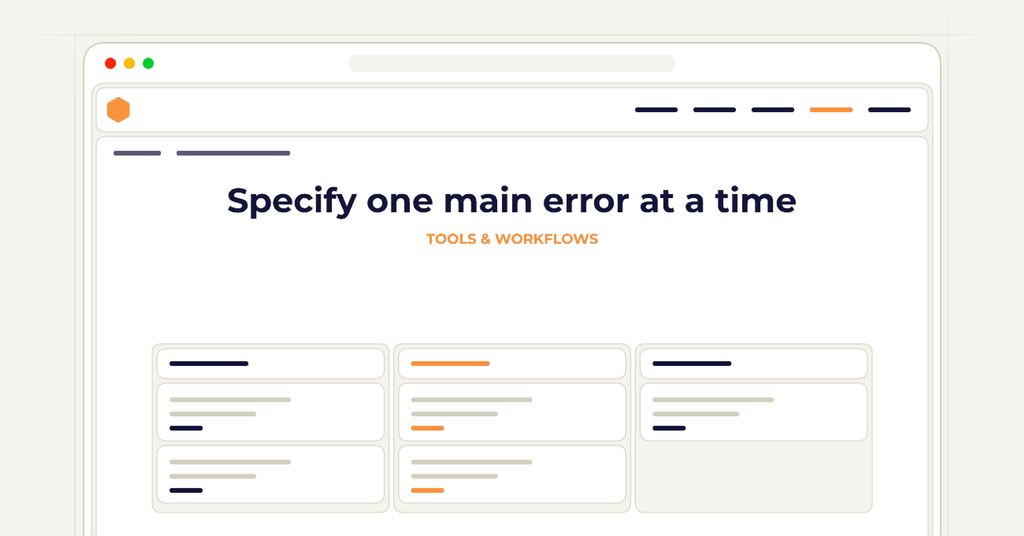
Specify one main error at a time
Write the incorrect state precisely. Note what is wrong and which surrounding details should remain consistent with the corrected example. If the negative image changes many things at once, the reader may not know which difference matters. A useful comparison isolates the intended lesson as far as the task allows.
In the folder example, keep the number and type of folders comparable while changing the labeling arrangement. Do not also change the container, viewpoint, and document contents without a reason. Those additional differences can imply that the whole setting is the problem. The image brief should preserve the ordinary context while making the selected error visible enough to discuss.
Plan the correction alongside the mistake
Do not generate the negative example as an isolated image and postpone the corrected version. Define the pair or sequence together so the reader can follow the change. The correction should address the same issue the negative example introduces. A polished second image that solves a different problem does not complete the lesson.
Write the intended explanation before accepting the artwork. State what the reader should notice and what action follows. This can expose an ambiguous teaching point early, while the image plan is still easy to change. If the author cannot explain the difference clearly in words, the generator is unlikely to resolve that uncertainty reliably through visual composition alone.
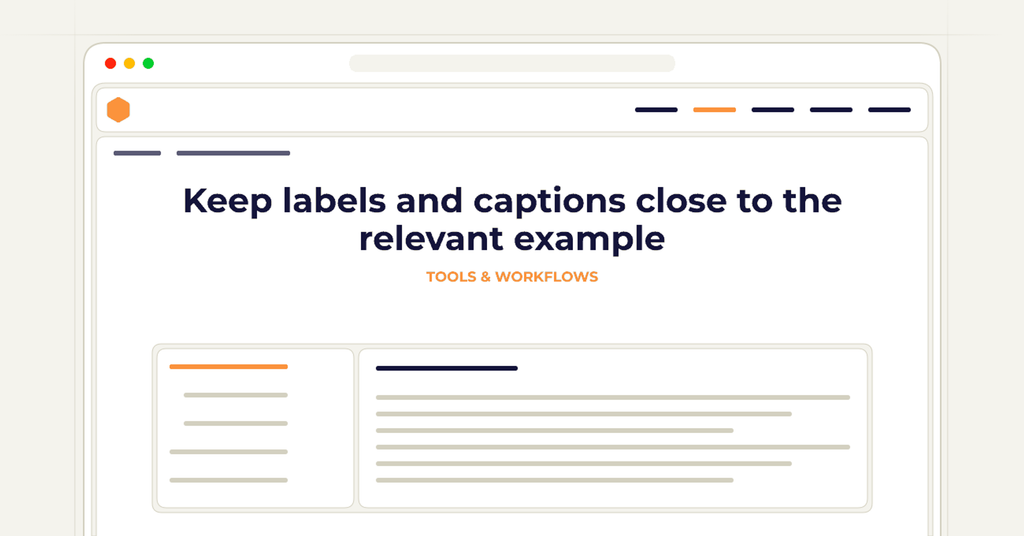
Keep labels and captions close to the relevant example
Place the negative example's status where readers encounter it. Do not depend only on a paragraph that may appear on a previous page or outside the reader's current view. A clear label and an explanatory caption can help establish whether the image shows a mistake, a comparison case, or an accepted result.
Avoid making color the only signal that distinguishes the examples. Use wording and layout that communicate their roles directly. Check whether a reader viewing one frame at a time could still understand its purpose. This matters when a format or page arrangement separates images that appeared together in the working design. Review the actual reading sequence rather than only the complete editing canvas.
Inspect generated details against the teaching point
Review the artwork for unintended changes and additional errors. A generated negative example may exaggerate the problem or introduce objects the text never discusses. The corrected example may still contain the original mistake in a smaller detail. Inspect both against the shared brief and the actual instructions before evaluating their decorative quality.
Keep the accepted image files and text version connected in the production record. If the lesson changes, review the negative and corrected examples together. Preserve the origin of retained generated artwork and consult current KDP content guidance during the publication review. Editing labels or replacing a caption does not remove the need to understand how the image itself was created.
Test what readers learn from the comparison
Ask a reader to explain which example is incorrect, what makes it incorrect, and what they would do differently. Their answer should identify the intended distinction rather than a visual detail the author did not mean to emphasize. If the response differs, investigate the image, caption, and surrounding instruction before assuming the reader simply overlooked the label.
Check the final export in each intended format, including whether the examples remain near their explanations. KDP preparation is format-specific, and layout changes can alter how the comparison is encountered. The completed lesson should make the correction easier to understand without giving the wrong method undue prominence. A negative example earns its place when it clarifies a choice the reader can then apply correctly.
Frequently asked questions
Clear answers for this publishing decision.
Should a negative example contain every possible mistake?
Usually isolate the main error the lesson addresses. Too many simultaneous differences can make the intended correction difficult to identify.
Is a red label enough to show that an image is incorrect?
Use clear wording and layout as well. Review whether readers can understand the image’s role when viewing it separately or in the final format.
How can I test whether the comparison works?
Ask a reader to identify the incorrect example, explain the relevant difference, and describe the corrected action. Their response should match the teaching point in the brief.
How wide does the full-wrap cover need to be, and how thick is the spine?
The cover width is back cover plus spine plus front cover plus bleed on both sides; the spine width is the final even page count multiplied by the paper-specific factor Amazon publishes, so the cover cannot be sized before the interior page count is final.
Prepare the cover in a book project