


Decide whether each sidebar is optional enrichment or required instruction, and structure the manuscript accordingly. Keep essential inputs and steps in the main reader path. Use clear labels and editable styles for supplementary material, then test both the core sequence and the complete page before export.
Identify the role of each sidebar
Sidebars can hold background, a short example, an exception, or a practical reminder. Those roles are not interchangeable. Label the purpose of each planned box in the working outline. Determine whether the reader needs its contents to complete the chapter’s main task. A visually secondary box should not quietly carry the only explanation of a concept required in the next paragraph.
Review existing sidebars for material moved there merely because it interrupted the prose. The interruption may indicate that the chapter needs a better sequence rather than an optional box. If the information is essential, integrate it into the main instruction or make its required status unmistakable. The design should communicate the content’s role instead of using appearance to conceal a structural problem.
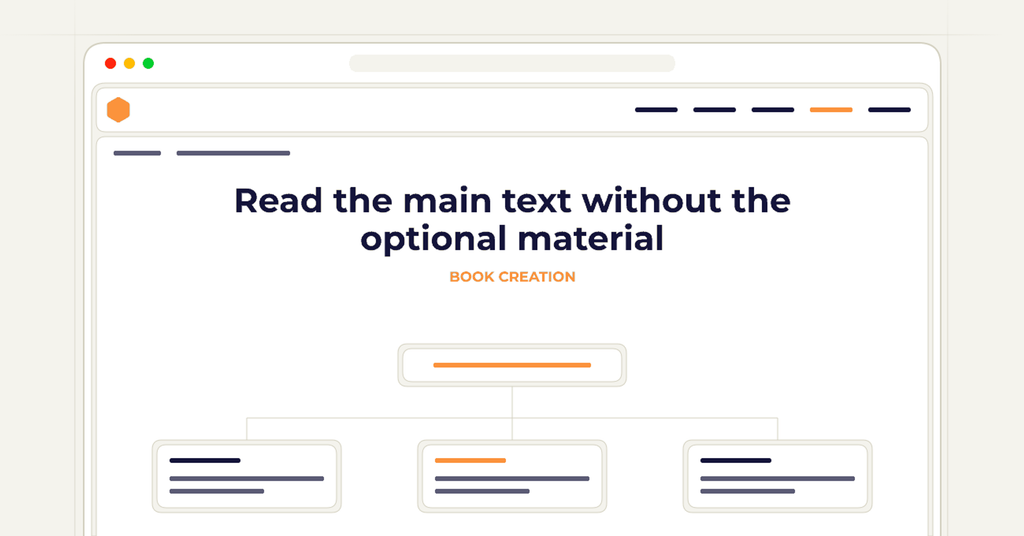
Read the main text without the optional material
Temporarily skip the sidebars and follow the chapter’s core task. Check whether every definition, input, and necessary action remains available. If the reader must retrieve something from a box labeled optional, repair the dependency. The main path should be coherent on its own under the reading pattern the book promises.
For example, a chapter may ask readers to select a workshop objective using criteria explained only in a “further thoughts” sidebar. That label suggests the material can be skipped, while the exercise assumes it has been read. Move the criteria into the main explanation or clearly identify the box as part of the required procedure. Do not leave readers to discover the dependency through failure at the exercise.
Give supplementary material a clear entry and exit
When a sidebar is genuinely optional, explain its relationship to the surrounding lesson. A heading can signal that it provides background, another example, or an alternative approach. Keep the box focused enough that readers can understand why it appears there. Avoid introducing several unrelated ideas simply because the design provides a convenient container outside the main flow.
Check how the reader returns to the chapter after the box. The following paragraph should not assume that everyone followed an optional digression. If it uses a term introduced only in the sidebar, either define the term in the main text or revise the transition. Optional material can enrich the experience without dividing readers into groups with incompatible knowledge at the next shared step.
Preserve the structure in editable form
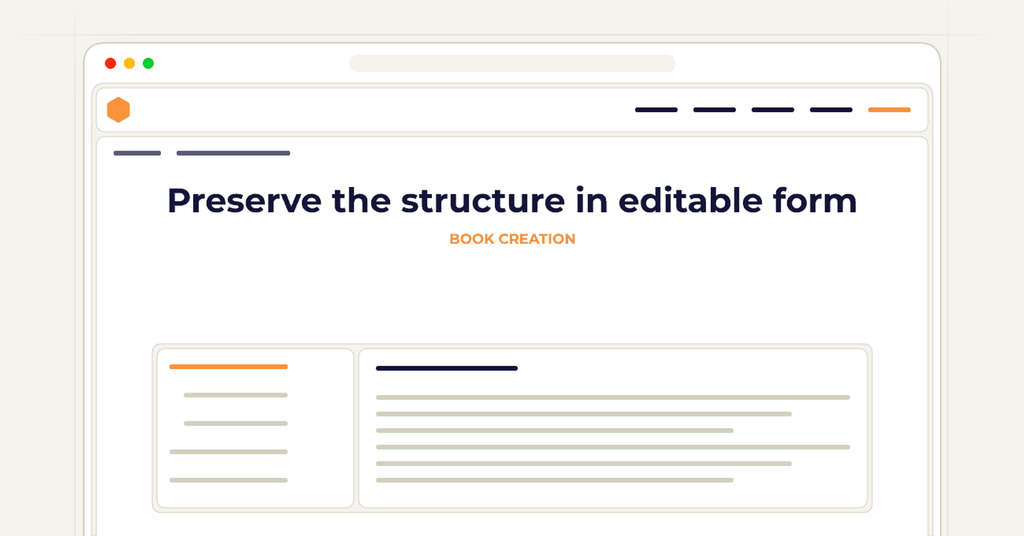
Use the editing workflow’s supported structures and styles to distinguish sidebars from ordinary paragraphs. Keep headings, text, and any associated source notes editable. A flattened screenshot of a text box may preserve its appearance temporarily while making future correction difficult. Test how the chosen method behaves during export and transfer between applications before applying it throughout the manuscript.
Record significant design conventions, such as how required notes differ from optional background. Apply those conventions consistently across chapters. If every box looks the same while serving a different instructional role, readers may infer the wrong priority. The working structure should let an editor move or revise a sidebar without losing its relationship to the passage it supports.
Review the assembled page and reading order
Inspect the final output in the intended format. Check whether the sidebar is placed near the relevant discussion, whether it interrupts a sentence or procedure awkwardly, and whether its text remains readable. Review any digital reading order through the actual output and supported preview workflow. A layout that makes sense visually in the editor may be confusing after conversion.
Finally, test the chapter twice: once following the core path and once reading all supplementary material. Both routes should be understandable under the book’s intended design. Preserve unresolved issues in the editorial record and revisit affected pages after layout changes. A well-structured sidebar provides useful choice to the reader while keeping the manuscript practical to revise and the essential instruction easy to follow.
Frequently asked questions
Clear answers for this publishing decision.
Can an important warning appear in a sidebar?
Its importance should be unmistakable, and the relevant instruction should not make it easy to miss. Review placement, labeling, and the reader path. Do not present required information as optional enrichment merely because it is visually separated.
Should every chapter have the same number of sidebars?
No. Add them where they serve a clear reader purpose. Repeating the design pattern for symmetry can create filler or force essential content into the wrong place. Let the instructional structure determine the need.
What should I check after moving a sidebar?
Review references, terminology, the surrounding transition, and the page or reading order. Confirm that the box still appears where it helps and that neither the main text nor the sidebar assumes information no longer available at that point.
How wide does the full-wrap cover need to be, and how thick is the spine?
The cover width is back cover plus spine plus front cover plus bleed on both sides; the spine width is the final even page count multiplied by the paper-specific factor Amazon publishes, so the cover cannot be sized before the interior page count is final.
Prepare the cover in a book project