


Review a hardcover cover against the template for its final production specifications. Distinguish the visible panels, hinge regions, spine safe area, and material that wraps around the boards. Keep important text and barcode placement clear of inappropriate regions, inspect artwork across those boundaries, and verify the actual exported cover.
Begin with the correct hardcover template
Confirm the intended binding, trim, ink and paper choices, and final interior page count before generating the cover template. Save those inputs with the template file. A template for an earlier interior or another binding is not reliable simply because the front image appears to fit. Resolve the production version before adjusting the design around its guides.
Use the current KDP hardcover cover instructions and calculator rather than adapting a paperback spread by eye. KDP's hardcover cover includes areas serving different physical purposes, including wrap and hinges. The template provides the relevant layout for the selected inputs. Keep this production reference separate from a flattened promotional mockup, which may omit parts of the submitted file.
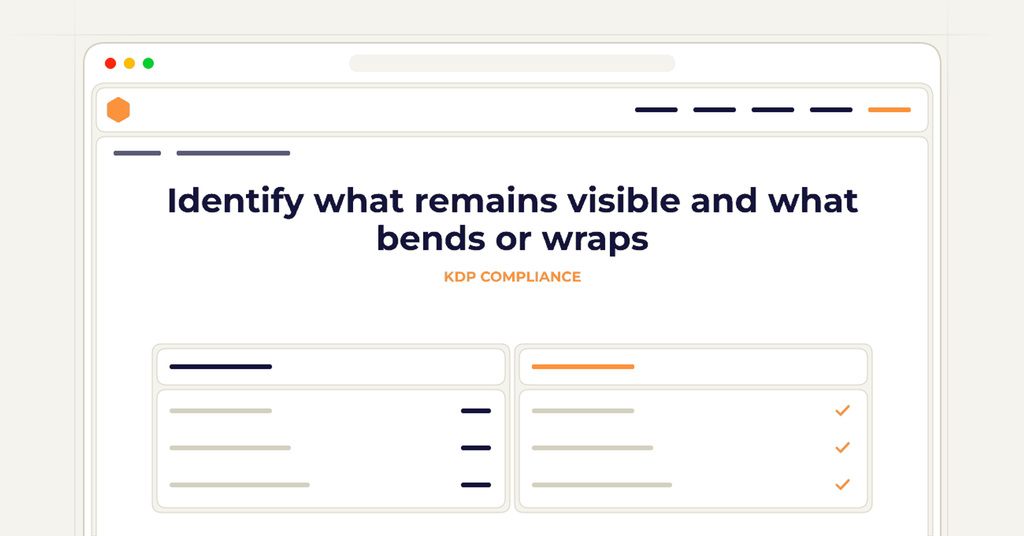
Identify what remains visible and what bends or wraps
Read the template legend and mark the front, back, spine, hinge regions, and wrap in your working notes. The wrap is material that goes around the boards; a hinge is a bending area beside the spine. These regions do not function like additional flat display space on the front or back panel.
Inspect important design elements in relation to those regions. A portrait detail or symbol may lose its intended role if it falls partly into a wrap or across a hinge. Decide which image areas are expendable background and which must remain clearly visible. Make that choice deliberately rather than assuming all content inside the outer file boundary will appear as a flat panel.
Review text and barcode placement independently
Check the title, subtitle, author name, back-cover copy, and spine wording against the current safe areas. KDP instructs publishers to keep text and barcodes out of the hinge area. Use the template and current guidance for the relevant clearances instead of relying on a remembered distance from another cover.
Inspect the barcode arrangement separately from decorative balance. Confirm whether the file supplies a barcode or reserves the required region for KDP's placement, and check that important content will not be obscured. Do not shift the barcode toward a hinge merely to make the back cover look more symmetrical. Preserve the production requirements while revising the surrounding composition.
Follow continuous artwork across the spread
If artwork continues from the back through the spine to the front, inspect its transitions at each region. A pattern can continue visually while placing a meaningful feature where it bends or wraps. Move the composition or use less consequential background detail in those areas when needed. Judge the intended physical result, not only the flat spread on a large monitor.
Review front-panel emphasis separately. The full spread may look balanced while the visible front panel lacks a clear focal point. Compare the panel within the template boundaries and at a small display size. Do not solve a front-panel problem by enlarging the entire composition without rechecking the spine, back copy, and wrap relationships.
Export from the reviewed source and inspect the file
Preserve the editable cover with its template reference, then prepare the actual upload PDF according to current hardcover guidance. Remove template guides and other production annotations from the deliverable as required, while keeping the reference version available for review. Check that removing those guides has not removed an intended design element or left a template label behind.
Open the exported file and confirm its dimensions and content against the reviewed source. Inspect the complete spread and the important panel details. A successful export does not establish that every placement survived correctly. Use the supported preview and proofing process before approving publication, and treat any resulting placement concern as a reason to revisit the source file.
Reopen the geometry review after relevant changes
A changed page count, paper choice, or production configuration may require a new template. When it does, compare the old and new boundaries and inspect the affected elements again. Do not assume that text remains inside a safe area because it was approved under the earlier geometry. Preserve the record of which template and interior version support the new cover.
Archive the final source, template inputs, checked PDF, and review notes as one cover package. Keep superseded exports clearly identified so a later handoff does not select them accidentally. The completed review should establish where the artwork and wording sit in the actual hardcover construction, not merely that the front image looks attractive.
Frequently asked questions
Clear answers for this publishing decision.
Can a paperback template be used for a hardcover cover?
Use the template for the actual hardcover production specifications. The binding introduces its own wrap and hinge regions, so visual similarity is not sufficient.
Is the wrap extra space for important front-cover details?
Do not treat it as ordinary visible panel space. Inspect what the construction does with that area and keep essential content in the appropriate visible and safe regions.
Should text or a barcode cross the hinge?
KDP’s hardcover guidance says to keep text and barcodes out of the hinge area. Follow the current template and placement requirements for the selected book.
What changes should trigger another template review?
Recheck relevant changes to page count, paper, or production configuration. Confirm the new template and inspect dependent cover elements before exporting again.
How wide does the full-wrap cover need to be, and how thick is the spine?
The cover width is back cover plus spine plus front cover plus bleed on both sides; the spine width is the final even page count multiplied by the paper-specific factor Amazon publishes, so the cover cannot be sized before the interior page count is final.
Prepare the cover in a book project