


Use silhouette comparisons when an object's outline carries the distinction readers need to recognize. Define the objects, viewpoint, scale convention, and identifying features before generating the artwork. Test whether the silhouettes actually support the comparison, and use another kind of illustration when surface detail or depth is essential to identification.
Define the identification task precisely
State what readers must distinguish and why the distinction matters to the book. A craft reference might compare the outer shapes of several decorative handles, while a collecting guide might distinguish profile forms. Choose a bounded task rather than asking one figure to identify every possible variation in a broad category.
List the features that carry the distinction. They may include a curve, an opening, a change in width, or the relationship between two protruding parts. If the important difference lies in texture, color, or an internal mechanism, a solid silhouette may hide the evidence the reader actually needs.
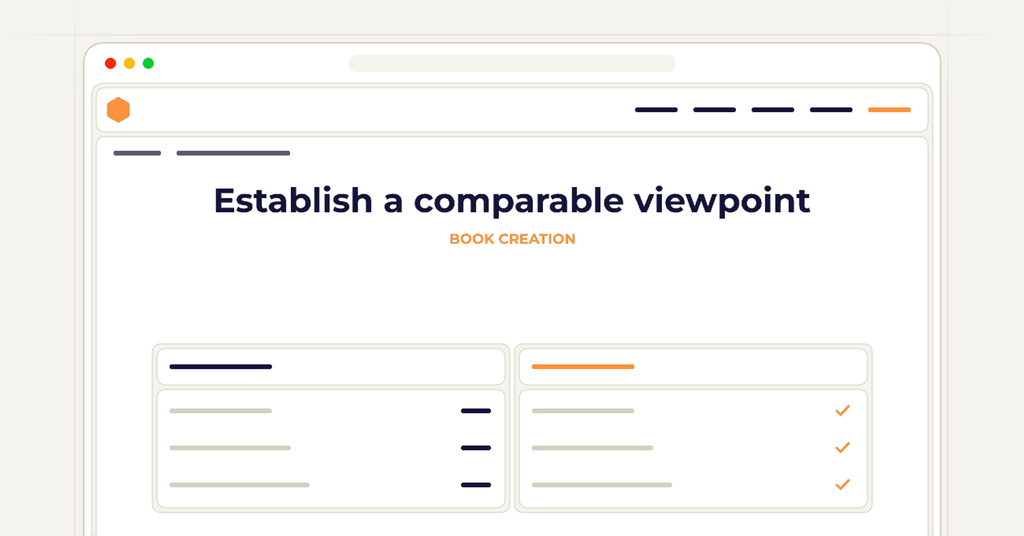
Establish a comparable viewpoint
Choose a view that makes the relevant outline visible for every object in the set. A front view of one object and an oblique view of another can exaggerate or conceal differences. Record the viewpoint in the shared brief so independently generated images remain comparable.
Decide how to handle objects whose identifying feature cannot be seen from the shared angle. An additional view may be more useful than forcing a misleading silhouette into the grid. Make the relationship between views explicit so readers do not mistake two views of one object for two separate types.
Declare the scale convention
Determine whether the objects will be shown at a common physical scale or resized to make their shapes easier to compare. These approaches answer different questions. A common scale communicates relative size, while normalized shapes emphasize outline differences and require a clear explanation of that choice.
Do not allow automatic image fitting to decide the convention accidentally. For example, filling every cell with the largest possible silhouette can make differently sized objects appear equivalent. Record the intended treatment before detailed artwork is prepared and retain it when the figure is resized for layout.
Preserve meaningful gaps and edges
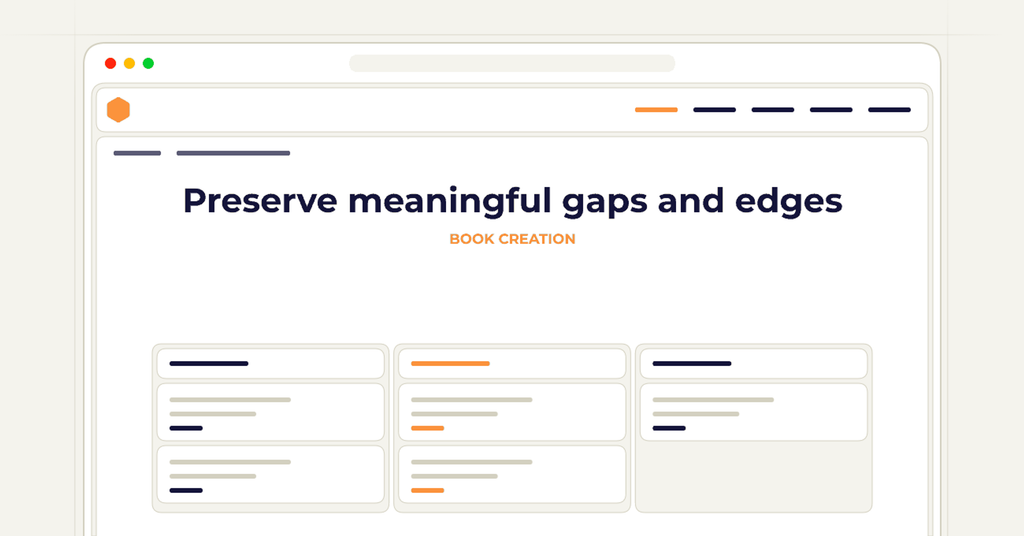
Identify openings and narrow separations that must remain visible. A filled outline can accidentally close a handle opening or merge two nearby parts, turning a recognizable shape into an ambiguous block. Include these features in the review brief rather than relying on the general instruction to create a clean silhouette.
Check the effect of simplification. Removing irrelevant surface details can improve comparison, but smoothing an identifying notch or curve can erase the distinction. Review the illustration against the accepted object references and keep deliberate simplifications documented where they affect interpretation.
Arrange the comparison for a clear question
Group the silhouettes according to the distinction the text explains. A useful arrangement might place easily confused forms beside each other or move from a broad shape family to a more specific variation. Avoid an arbitrary decorative grid when a different order would help readers understand the classification.
Reserve room for labels and short notes without letting them become part of the outline. Readers should be able to identify which label belongs to which silhouette. If the explanation requires several qualifications, consider splitting the figure into smaller comparisons instead of compressing all the information into tiny captions.
Test the final figure with the surrounding text
Ask a reviewer to use the figure for the intended identification task without additional spoken explanation. Notice whether they rely on the feature the book intends to teach or guess from incidental differences in size and placement. Their interpretation can reveal whether the comparison needs another view, clearer labeling, or a different illustration method.
Inspect the accepted figure at the intended reading size in the actual export. Confirm that narrow gaps, distinguishing edges, and labels remain usable. Preserve the object references, scale decision, and accepted artwork together so a later replacement does not introduce a silhouette that looks polished but no longer belongs to the same comparison.
Frequently asked questions
Clear answers for this publishing decision.
When is a silhouette the wrong illustration choice?
Use another view or method when the necessary distinction depends on color, texture, internal detail, or depth that the silhouette hides. Choose the form that exposes the relevant evidence.
Must every object be shown at the same physical scale?
Not always, but the convention must be deliberate and clear. Normalized size can support shape comparison while concealing real size differences.
Can AI generate the silhouettes from short names alone?
Treat such output as a draft requiring comparison with appropriate object references. A familiar-looking outline may omit the exact feature the guide needs to teach.
What should be rechecked after replacing one silhouette?
Review viewpoint, scale, distinguishing edges, labels, and the object's relationship to neighboring examples. A correct standalone image can still break the comparison.
How wide does the full-wrap cover need to be, and how thick is the spine?
The cover width is back cover plus spine plus front cover plus bleed on both sides; the spine width is the final even page count multiplied by the paper-specific factor Amazon publishes, so the cover cannot be sized before the interior page count is final.
Prepare the cover in a book project